iPhone Email Setup - Outlook App
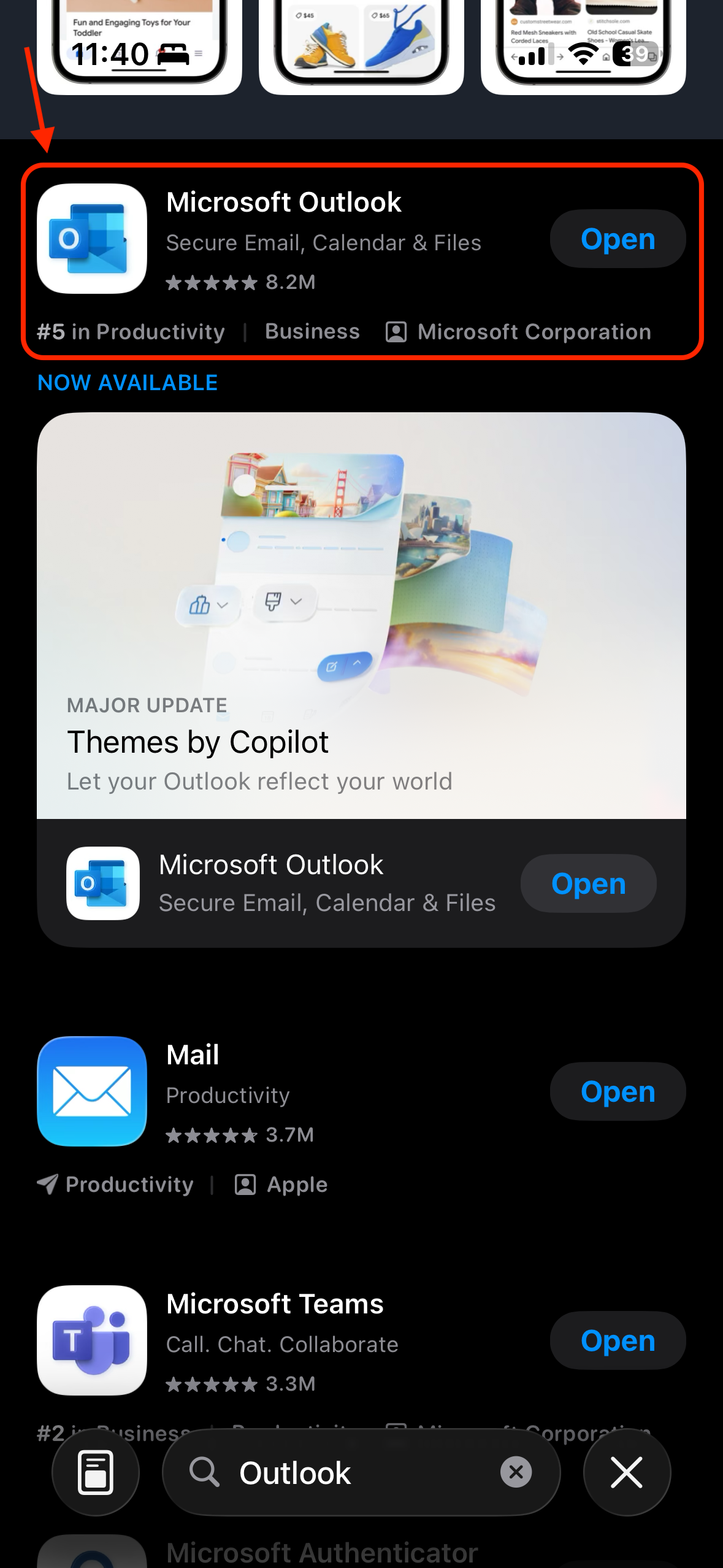
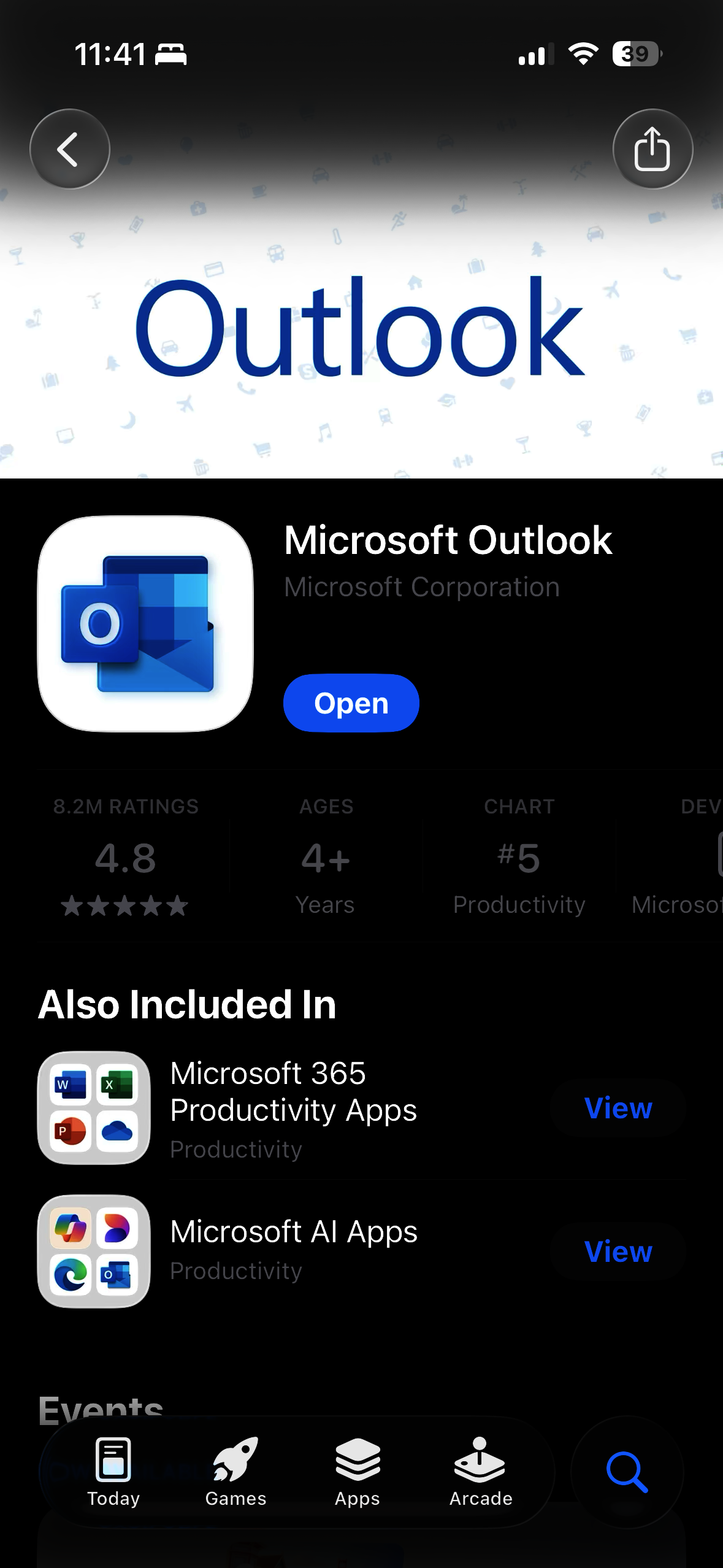
- Open the App Store, search and download the Outlook app. Ensure the developer is the Microsoft Corporation. Direct Link: https://apps.apple.com/us/microsoft-outlook/id951937596.
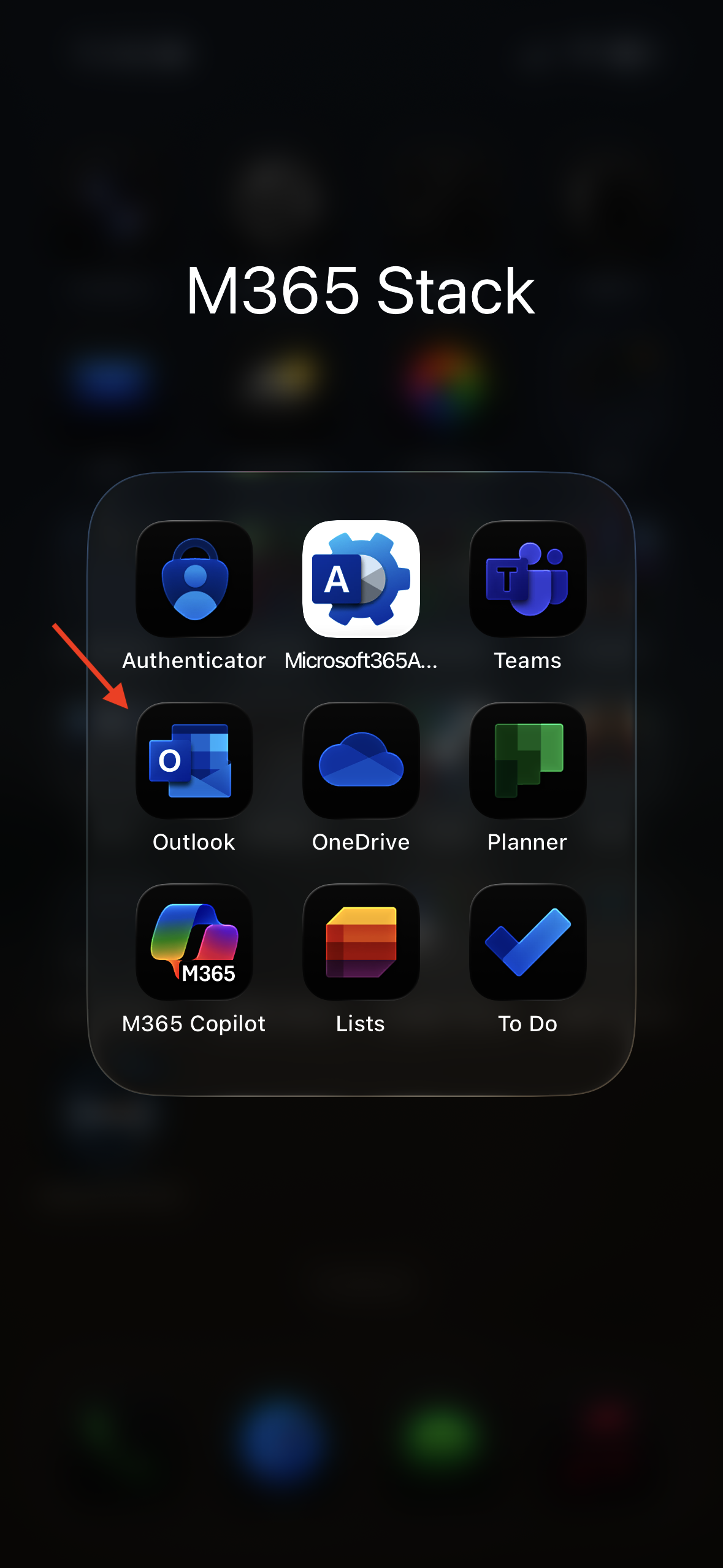
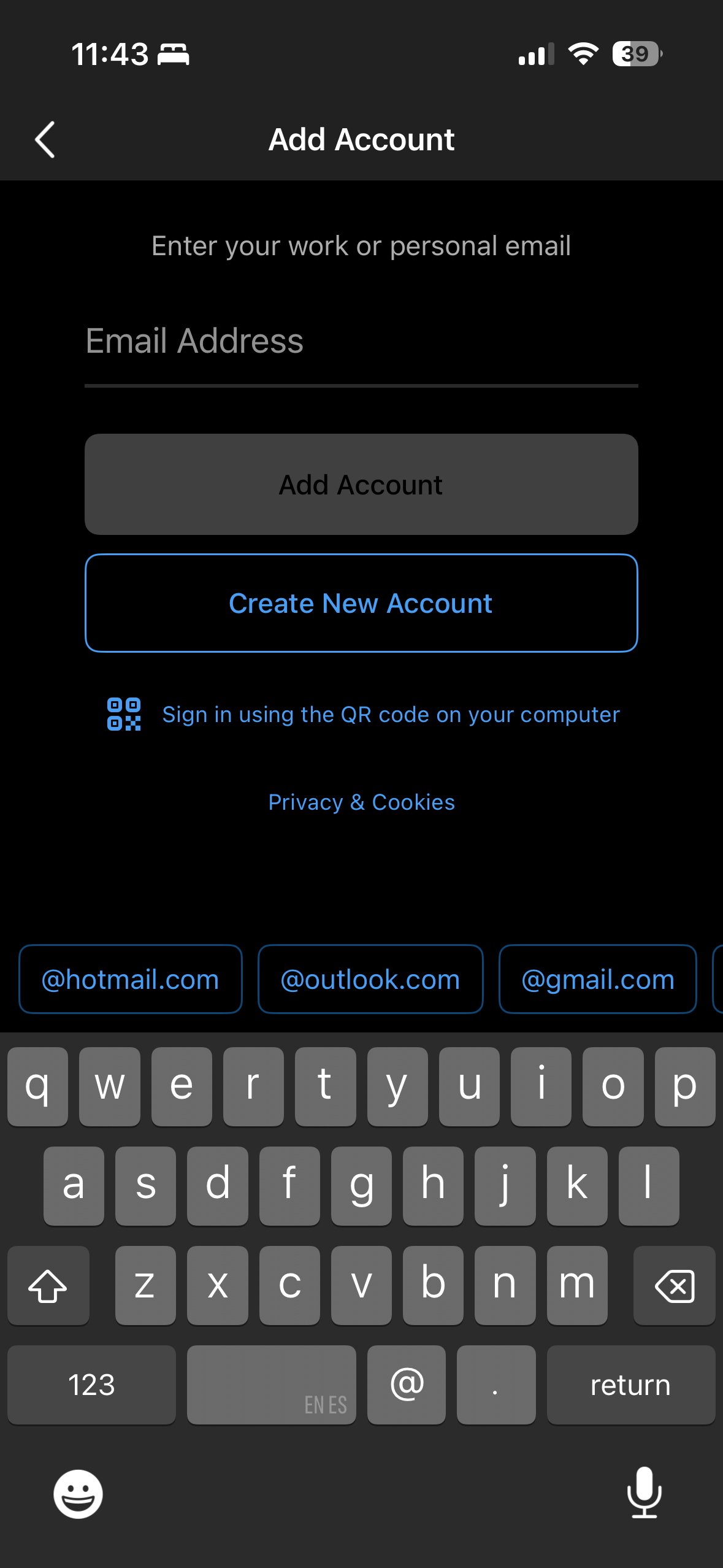
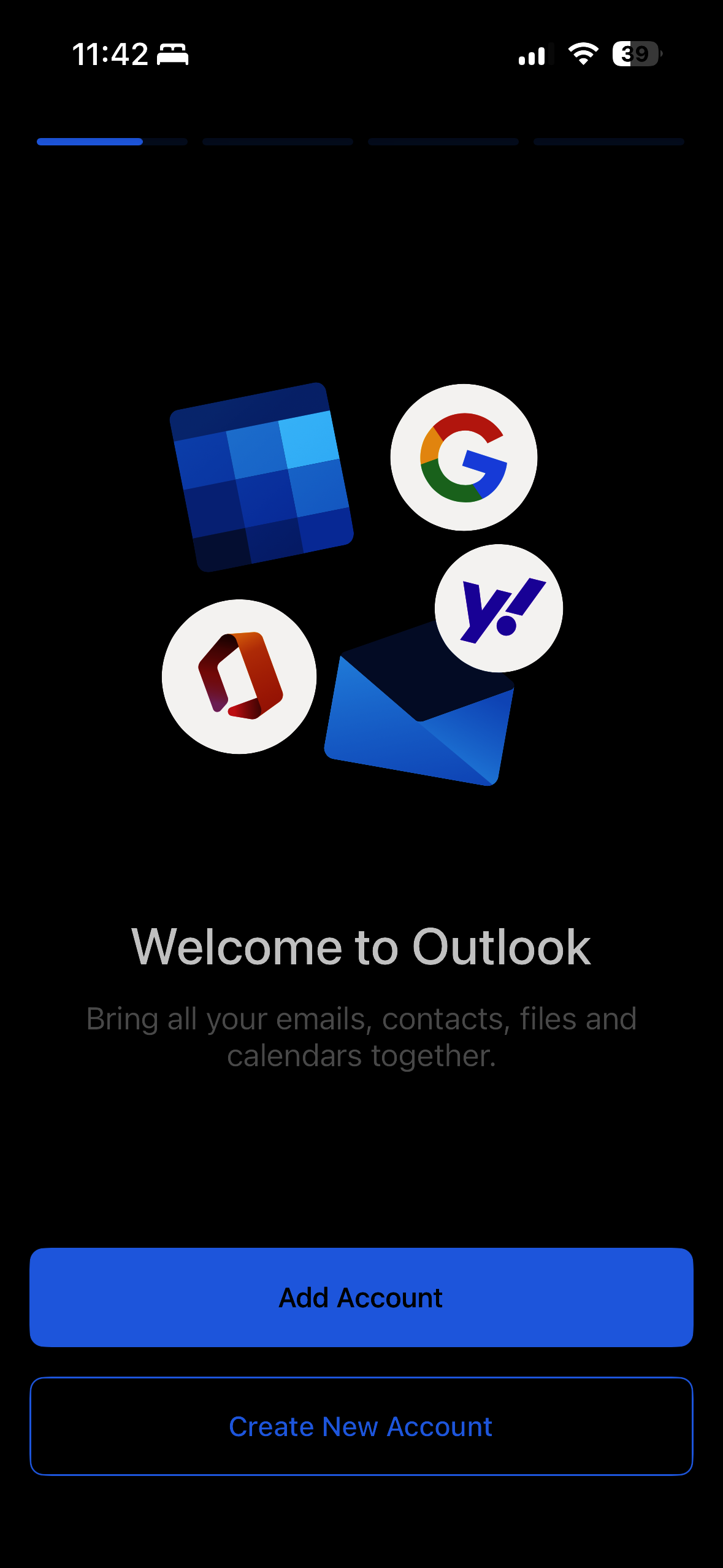
- Once downloaded, open the Outlook app and select Add Account.
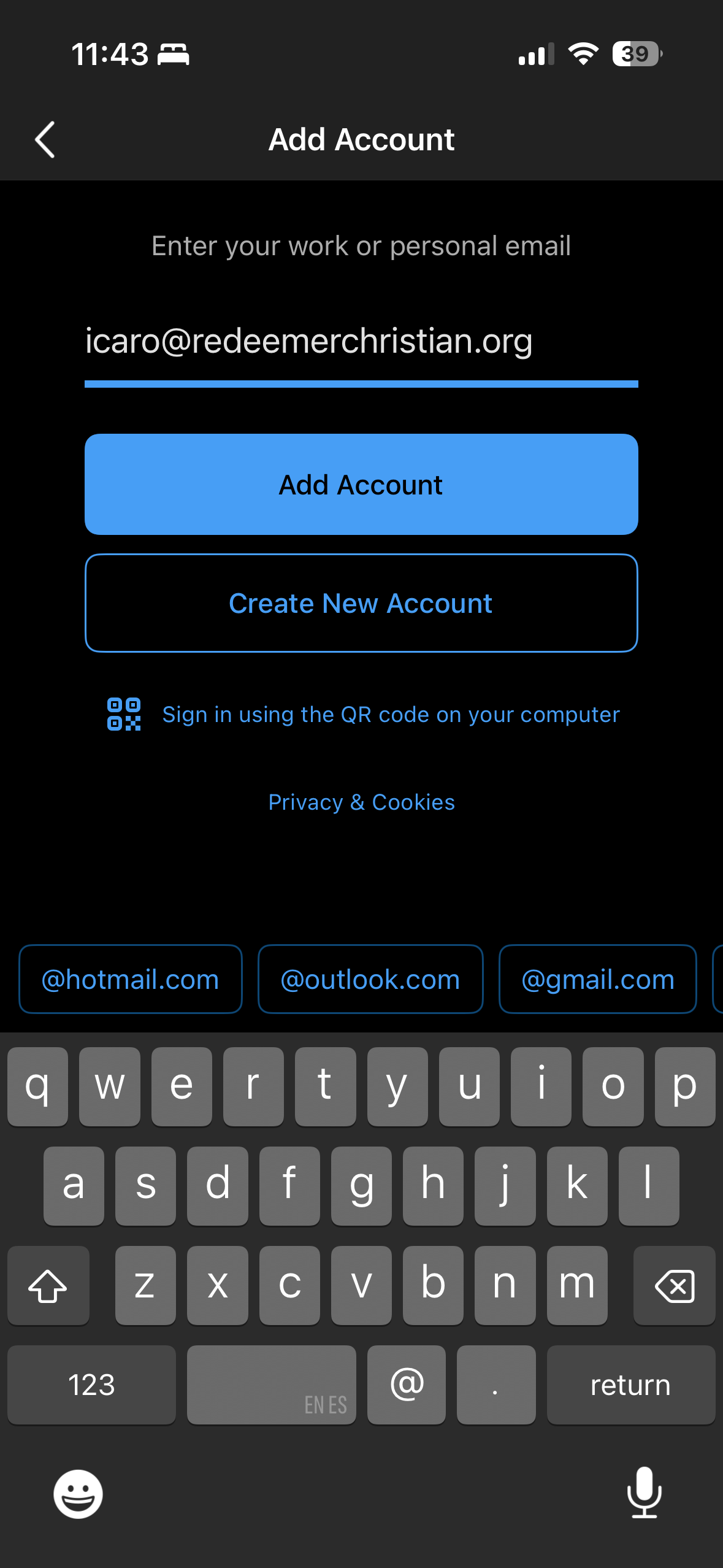
- Type in your issued email address and select Add Account.