Student Email Login
- Open a browser (Edge, Chrome, Firefox, Safari, etc) and go to https://portal.office.com/
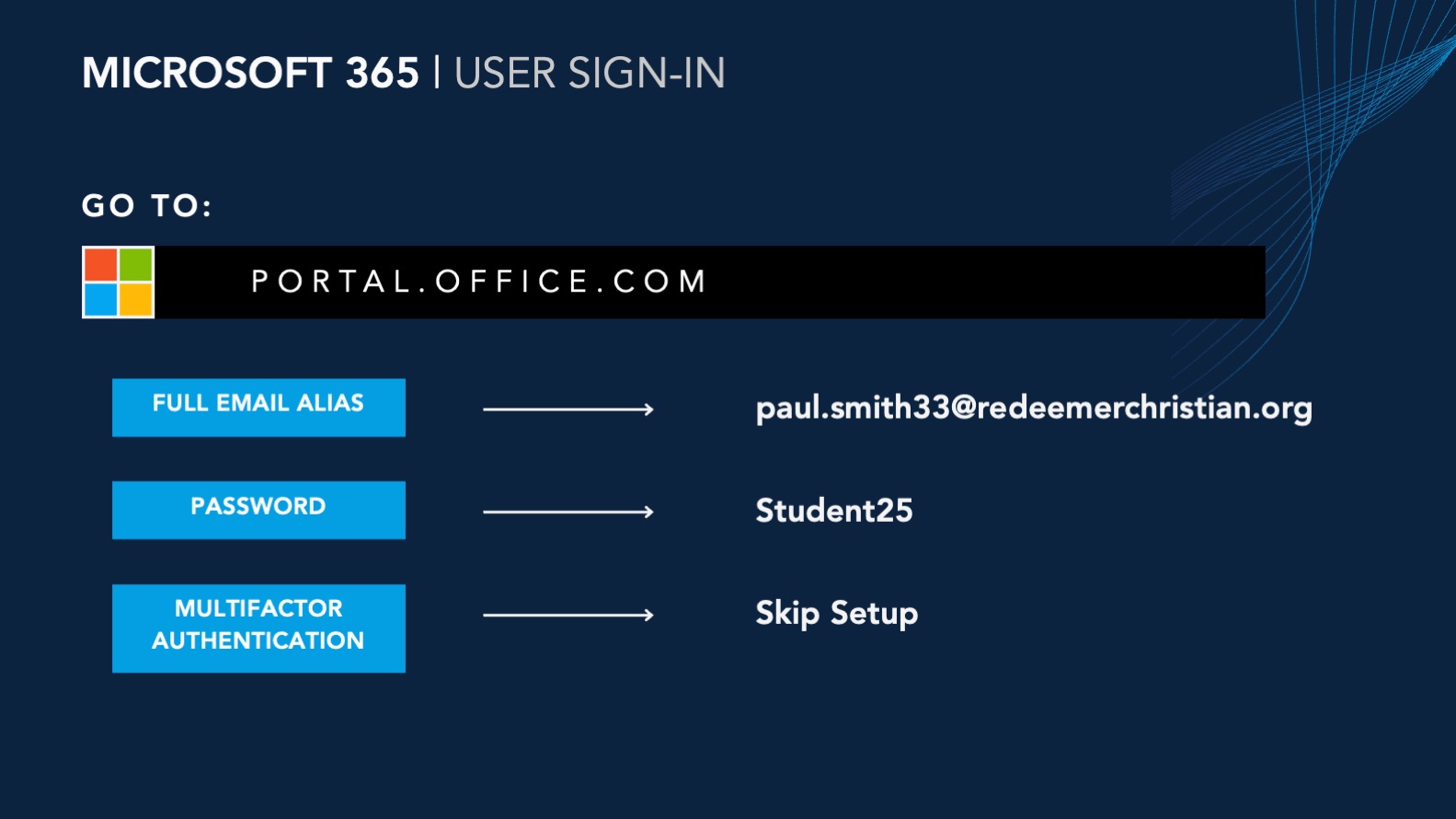
- Once page is loaded, sign-in with your student email.
- It will prompt you to change your password. The password requires a capital letter, a number, and a symbol. It must be at least 6 characters long.
- Turn in your password to your teacher so they can always help you with logging in if you forget your password.
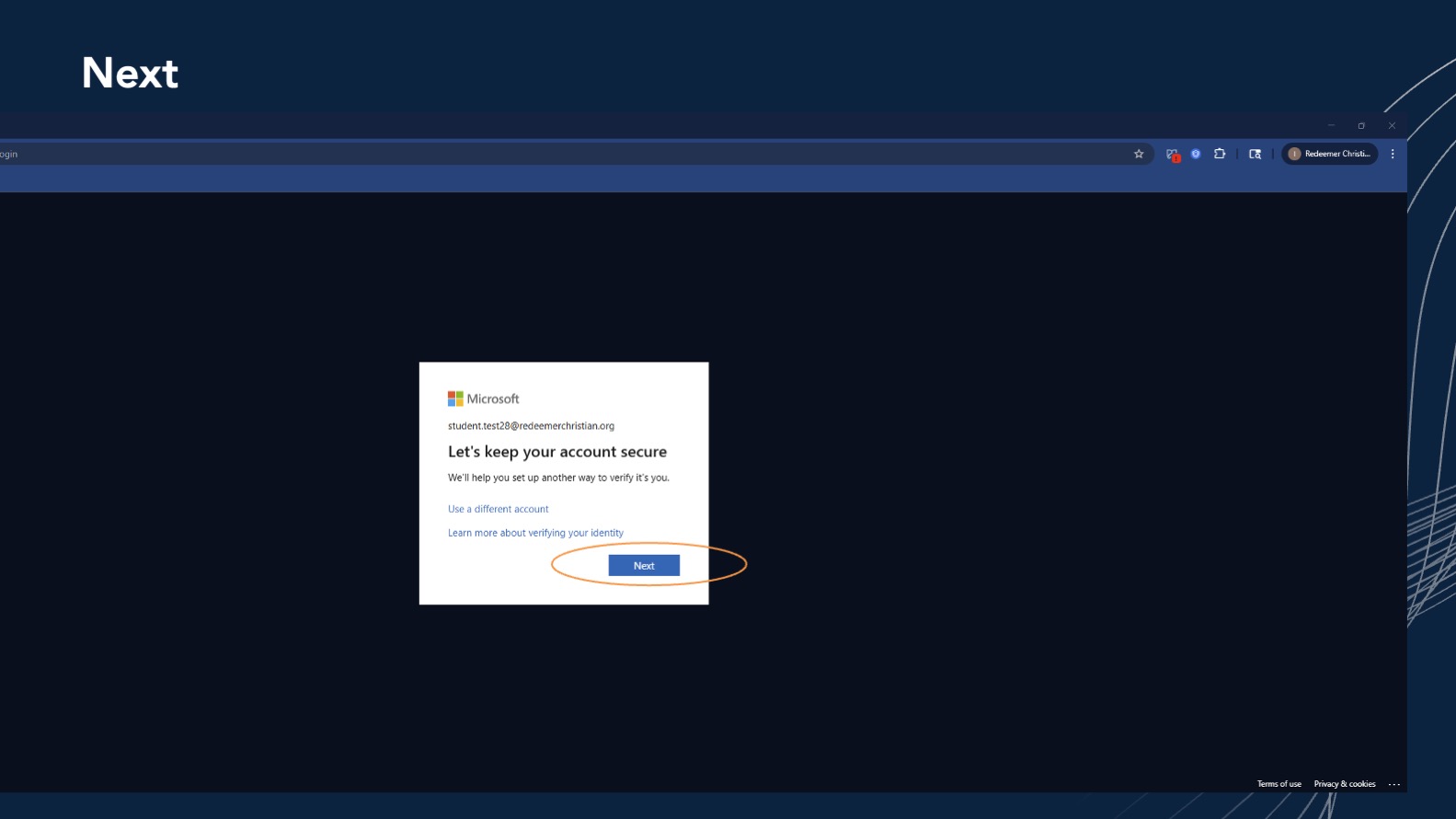
- When you've completed the password change, it will try to make you create multifactor authentication. Select Next.
- The next step will ask for a phone number. Do not enter a number. Scroll to the bottom of the prompt and select Skip setup.
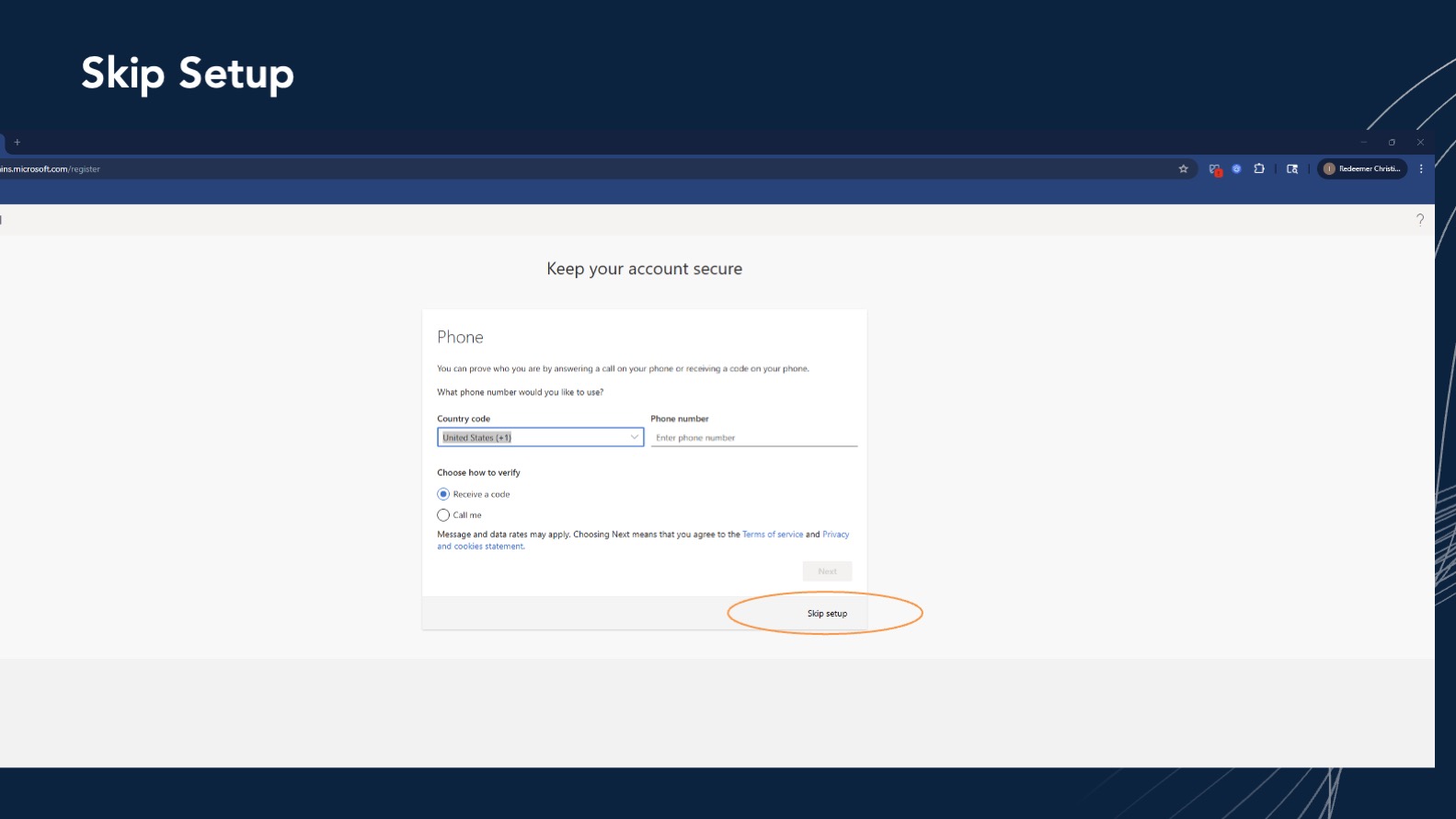
- It will ask you to do this twice. Do the same action of selecting Next and Skip setup.
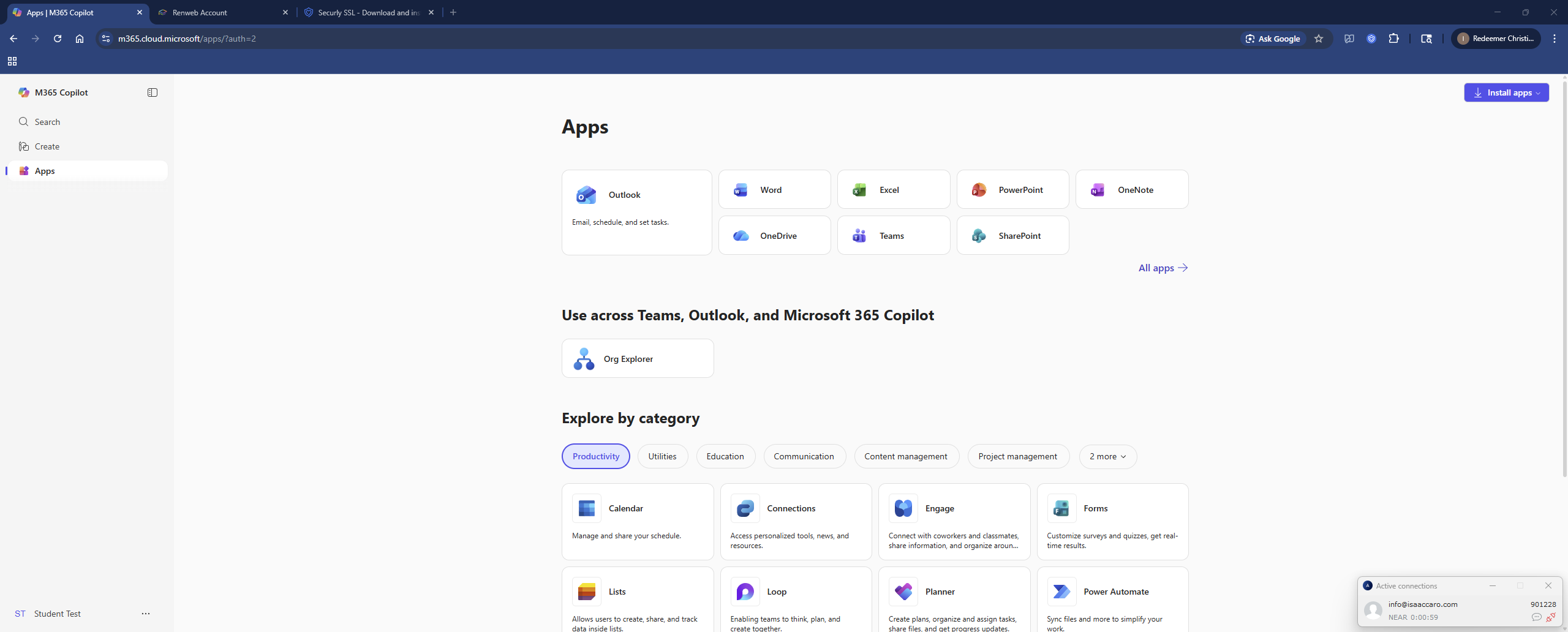
- Once logged in, you'll then be able to see the Apps portion where you can open up all the Office 365 apps.
Did this answer your question?
Thanks for the feedback
There was a problem submitting your feedback. Please try again later.
No results found

